Game highlights
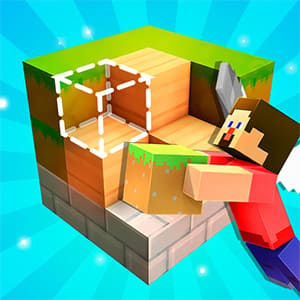
1. Unleash your imagination in a fully open 3D sandbox, where you can build anything from tiny vehicles to sprawling castles with zero limits on your designs.
2. Access over 400 different brick pieces, customizable colors, and realistic textures (grass, wood, stone, etc.) to craft unique, detailed creations.
3. Enjoy smooth, precise controls, including camera rotation, zoom, and essential tools like pencil, eraser, paint bucket, move, and rotate, making building easy and satisfying.
Gameplay
Tap to play.
Game features
1. Extensive Brick & Texture Library: Choose from hundreds of blocks with customizable colors and themed textures, letting you add depth and personality to every build.
2. Pre-Built Templates & Examples: Explore ready-made designs like houses, vehicles, and castles for inspiration, then modify them or use them as a starting point for your own creations.
3. Flexible 3D Camera & Controls: Navigate your builds with ease using multi-touch gestures (slide to rotate, pinch to zoom) and character controls, so you can view your work from every angle.
Editor's recommendation:
If you love building, creativity, and sandbox games, Draw Bricks is your perfect playground! With full 3D freedom, hundreds of customizable bricks, and intuitive tools, you can build anything your imagination dreams up—from race cars to epic castles. Whether you’re following templates or crafting original designs, the game offers endless possibilities for creative expression.
Hi, we are devoted to providing the newest walkthrough, tips, cheats, and tutorials of different games.
This is the walkthrough of the game Draw Bricks.
Draw Bricks Gameplay Walkthrough is played by topgames.com.
If you enjoyed the video game and want to see more of Draw Bricks videos, leave a Like, and we will present them on topgames.com soon.